
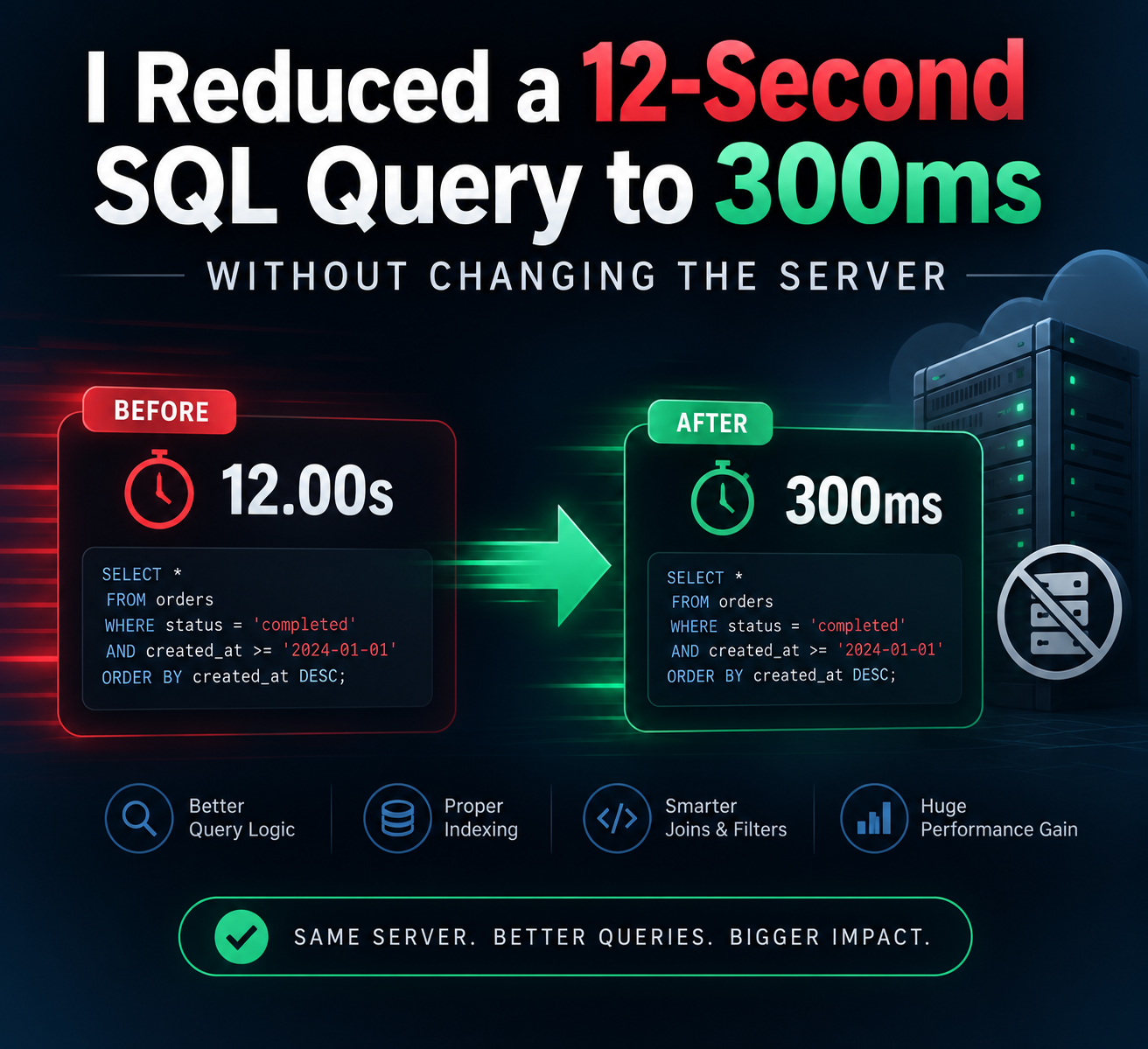
Performance optimization isn’t always about buying better hardware. Sometimes, it’s about asking the database the right question.
Introduction
A slow application can quickly become a frustrating experience for users. Whether it’s an e-commerce platform, a SaaS dashboard, or a reporting system, database performance often becomes the hidden bottleneck as data grows.
Recently, I worked on optimizing a SQL query that consistently took around 12 seconds to execute. The interesting part? I didn’t upgrade the server, increase memory, or add more CPU resources. Instead, I focused on understanding how the database was processing the query.
After analyzing the execution plan and making a few targeted improvements, the execution time dropped to around 300 milliseconds.
This experience reinforced an important lesson:
Database performance is rarely just a hardware problem—it’s often a query design problem.
The Problem
The application had grown significantly over time. What once handled thousands of records was now processing millions.
Users were reporting:
- Slow dashboard loading
- Delayed reports
- Long waiting times when filtering data
- Increased database resource usage
The query itself wasn’t particularly complicated. It joined several tables, filtered records based on multiple conditions, sorted the results, and returned paginated data.
On paper, everything looked reasonable.
In practice, it was taking over 12 seconds.
My First Step: Don’t Guess
One of the biggest mistakes developers make is immediately trying random optimizations.
Instead, I started by asking one simple question:
Why is the database taking so long?
Rather than rewriting everything, I analyzed the query execution plan.
The execution plan quickly revealed several issues:
- Full table scans
- Inefficient joins
- Missing indexes
- Expensive sorting operations
- Unnecessary columns being selected
Instead of treating the symptoms, I focused on fixing the root causes.
The Optimizations
1. Eliminating Full Table Scans
The first issue was that the database was scanning entire tables even when only a small subset of records was needed.
Adding carefully planned indexes allowed the database engine to locate the required rows almost instantly instead of reading millions of unnecessary records.
The difference was immediately noticeable.
2. Reviewing Every JOIN
JOIN operations are powerful, but they’re also one of the most common reasons for slow SQL queries.
I reviewed every join individually and asked:
- Is this table actually required?
- Can the filtering happen before joining?
- Are both columns indexed?
- Is there a better join order?
Removing unnecessary work reduced the amount of data flowing through the query.
3. Selecting Only Required Columns
One surprisingly common mistake is using:
SELECT *
While convenient during development, it often retrieves far more data than needed.
Replacing it with only the required columns reduced:
- Memory usage
- Network traffic
- Disk reads
Small improvement individually.
Significant improvement overall.
4. Filtering Earlier
Another optimization involved pushing filters as early as possible.
Instead of joining large datasets first and filtering later, I filtered records before expensive operations occurred.
This reduced the workload dramatically.
5. Improving Sorting
Sorting millions of rows is expensive.
By combining appropriate indexes with better query structure, the database avoided unnecessary sort operations altogether.
The Result
Before optimization:
- Execution time: ~12 seconds
- High CPU usage
- Heavy disk activity
- Poor user experience
After optimization:
- Execution time: ~300 milliseconds
- Significantly lower database load
- Faster application response
- Better scalability
All achieved without changing the server specifications.
Then I asked AI…
Out of curiosity, I shared the problem with an AI coding assistant.
Its recommendations included:
- Increase server RAM
- Upgrade database hardware
- Add caching immediately
- Scale vertically
- Use a faster cloud instance
None of these suggestions addressed the actual bottleneck.
The issue wasn’t hardware.
It was query execution.
AI generated reasonable generic advice—but it couldn’t inspect the execution plan, understand the application’s workload, or identify the real source of the slowdown without deeper context.
Why Engineering Judgment Still Matters
AI has become an incredible productivity tool.
It can:
- Explain SQL syntax
- Suggest query structures
- Generate boilerplate code
- Recommend best practices
- Help troubleshoot common issues
But performance engineering often requires context.
It requires understanding:
- Data distribution
- Business logic
- Database statistics
- Execution plans
- Index selectivity
- Query costs
- Real production workloads
These are decisions that still depend on engineering judgment.
AI can assist.
It shouldn’t replace thoughtful analysis.